
Chronological Age For Testing – Which Date to Use and How to Record It
Last updated: October 2026
Quick Answer
The test date is the date the assessment actually took place. Use the person’s age on that day, not today’s date and not the date the report was written. If the assessment ran over more than one session, check the assessment manual to determine which date should be used. Write the result as years;months;days (for example, 8;4;12) or years;months (8;4), depending on what the record form asks for.
When someone asks you to record chronological age for testing purposes, it raises questions that a simple date calculator does not answer.
This guide answers all of them in plain language. It is not a clinical manual, a scoring guide, or a substitute for the examiner’s manual for your specific assessment. It is a practical reference for anyone who needs to calculate and record chronological age accurately for a standardized assessment. Use the free chronological age calculator to get the exact numbers once you know which date to enter.
What Is Chronological Age for Testing?
Chronological age for testing is a person’s exact age in years, months, and days, calculated on the date the assessment was given.
It is the same calculation you always do: test date minus date of birth. The only difference is which date you use. That is what “for testing” tells you to be careful about.
Assessments use chronological age to match a person’s score to the right age group in the norm table. Those age groups are sometimes only one month wide. Using the wrong date, even by a few days, can move the score into a different group and change the result.

Chronological Age for Testing in School
School based assessments often need a student’s exact chronological age on the date of testing. Teachers, school teams, and evaluators may record age in years, months, and days or in the format required by the assessment form. The important point is to use the date relevant to the assessment rather than simply using the student’s age today. If an assessment manual gives specific instructions for calculating or recording age, follow those instructions.
For school admission, kindergarten eligibility, or grade placement questions, use our Student Age Calculator
Which Date Is the Test Date?
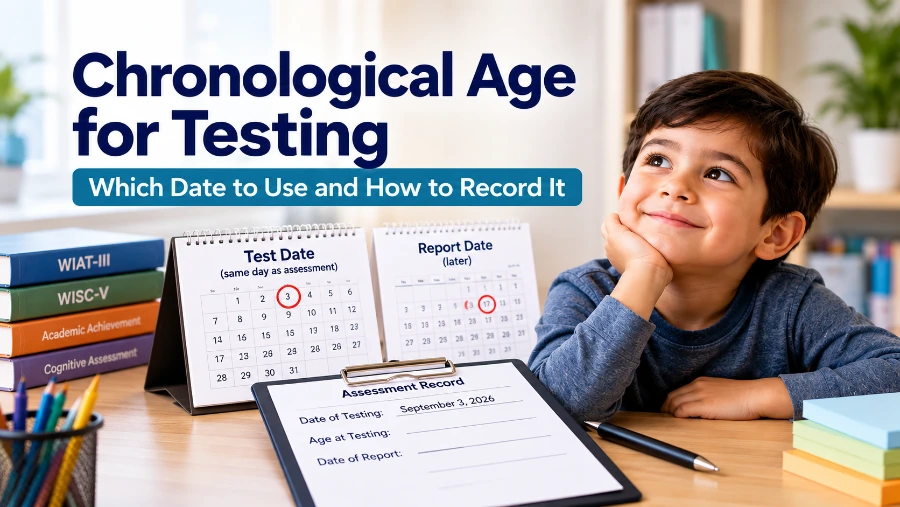
The test date is the calendar date when the assessment session took place. It is the day the person sat down and actually did the tasks. You may also see the test date described as the administration date or evaluation date, depending on the assessment or record system. It is not any of these:
Example
A child was born on May 10, 2018, and was assessed on September 3, 2026. The assessment date is September 3, 2026, even if the report was completed later. The chronological age should therefore be based on the age on the assessment date.
Test Date vs Report Date
The report date is the day the written report or record form was completed. It may be days or weeks after the assessment. Keeping the two dates separate helps ensure that the chronological age is tied to the assessment date rather than the date the report was prepared.
| Test Date | Report Date | |
|---|---|---|
| What it is | The day the assessment was given | The day the report was written |
| Use it for chronological age? | Yes | No |
| How far apart? | Starting point | Usually days to weeks later |
Most record forms use terms such as Age at Testing or Chronological Age at Time of Testing, not Age at Time of Report. If the form has a separate field for the test date, take it from your session notes and write it in directly.
What If the Assessment Ran Over Two Sessions?
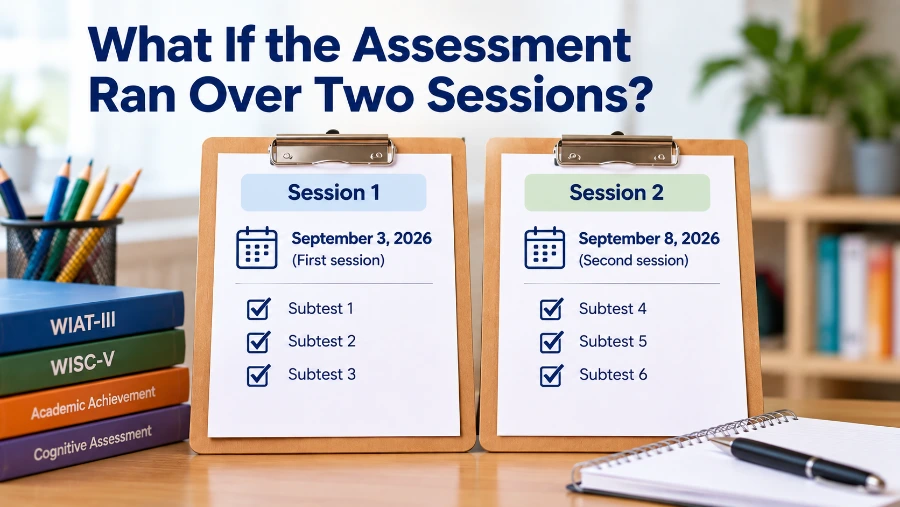
Some assessments take more than one sitting. When that happens, you need to know which date to use for the age calculation.
When an assessment is administered across multiple sessions, check the assessment manual to determine which date should be used for chronological age. Different assessments may specify different procedures.
It is also a good idea to write down the dates of all sessions in your notes. If anyone asks about the age calculation later, you will have the dates on file.
Record the Chronological Age as Required
Once the age has been determined for the test date, record it in the format required by the assessment record or form. Some records use Y;M;D, while others ask for Y;M only.
The Y;M;D Format
Y;M;D means years; months; days. The semicolons separate the three parts. A child who is 8 years, 4 months, and 12 days old is written as:
8;4;12
You may also see it written as 8:4:12 (with colons) or as 8 years, 4 months, 12 days. These all mean the same thing.
The Y;M Format
Many record forms only need years and months, not days. The same child is then written as:
8;4
Keep in mind: 8;4 means 8 years and 4 months. It does not mean 8.4 years. And 8;0 means exactly 8 years with no extra months, not 8.0.
Which Format Should You Use
The format you use depends on what the assessment record or form asks for. Some forms need years, months, and days, while others only ask for years and months. If you are not sure, check the form or the assessment manual before recording the age. The important thing is to use the format the assessment requires and keep it consistent.
| Format | When to Use It |
|---|---|
| Y;M;D | When the record form asks for days, or when you are working out the math before dropping the days. For the full manual calculation process, see our guide to calculating chronological age manually |
| Y;M | When the record form only asks for years and months |
If you are not sure, check the record form or the scoring section in the examiner’s manual. Use what it asks for, nothing more and nothing less.
Y;M vs Decimal Age: A Common Mix-Up
Decimal age is a single number like 8.3 or 7.75. You might see it in some general tools or research papers. Decimal age is not the same as Y;M. Here is why this matters:
Some norm tables and assessment forms use Y;M rather than decimal age. If a lookup expects Y;M, entering a decimal age can place you in the wrong age group. The chronological age calculator gives you the result in Y;M;D right away. You do not need to convert anything.
Chronological Age for Testing: 4 Rules to Check
Recording chronological age for testing is simple, but a few small details can make a difference. The date you use, the way you record the age, and the assessment’s age range all matter. These four rules will help you avoid common mistakes when entering chronological age for an assessment.
For a full list of errors to avoid when calculating age for an assessment, see common chronological age mistakes.
A Note on Test Age Ranges
Once you have the chronological age, you can also check whether the person falls within the age range the assessment is built for. If the age on the test date is outside that range, the norm tables may not apply to that person. The test age ranges chart lists the ranges for common assessments including the WISC-V, CELF-5, WIAT-4, and PLS-5. You can check before or after the session.
Key Rule
Test date = The day the assessment session took place.
Report date ≠ The test date.
Multiple sessions = Check the assessment manual to determine which date to use.
Frequently Asked Questions
What date do I enter as the test date?
You have to write the date the assessment session took place. Not today’s date, not the date the report was written. Use the actual session date from your notes.
What if I forgot to write down the test date?
Check your appointment records, session notes, or any forms the person signed on the day. One day can change the norm group, so the date needs to come from a record, not from memory.
Does it matter if I use the report date instead of the test date?
Yes, it does. Reports are usually written days or weeks after the session. Using the report date makes the person appear older than they were on the day of testing. This could put the score in the wrong norm group.
What does 8;4 and 8;0 mean?
8;4 means 8 years and 4 months. The semicolon separates years from months. It does not mean 8.4 years. And 8;0 means 8 years and 0 months. Exactly 8 years old, with no extra complete months yet. It does not mean 8.0 in decimal form.
Which date do I use when the assessment took two sessions?
Check the assessment manual to determine which date should be used. Different assessments may specify different procedures. If the manual gives a specific rule, follow it.
Do I need years, months, and days, or just years and months?
It depends on the record form. Work out Y;M;D first so you have the full picture, then write down only what the form asks for.
Can I use a regular date calculator for this?
A regular date calculator gives you a date difference, but it may not show the result in Y;M;D format and may not handle the borrowing the same way test manuals do. A dedicated chronological age calculator is set up exactly for this kind of result.
Bottom Line
For testing, chronological age should be based on the date the assessment took place, not the date the report was written. If testing happens across multiple sessions, check the assessment manual for which date to use. Then record the age in the format the assessment requires, such as Y;M;D or Y;M. When you have the correct test date, use our Chronological Age Calculator to get the exact age quickly.
Reference And further Reading
- Pearson Assessment Support. WIAT-III: Test Date Age Calculation.
- Pearson Assessments. WIAT-4 Sample Score Report (PDF)
Disclaimer:
This page explains how chronological age is recorded for assessments in general terms. It is not clinical guidance and is not a replacement for the examiner’s manual for any specific assessment. Always follow the instructions in the manual you are using. This site is a general purpose calculation tool, not a clinical or professional guidance service.