

Pearson Age Calculator Alternative: Free & Exact for Scoring
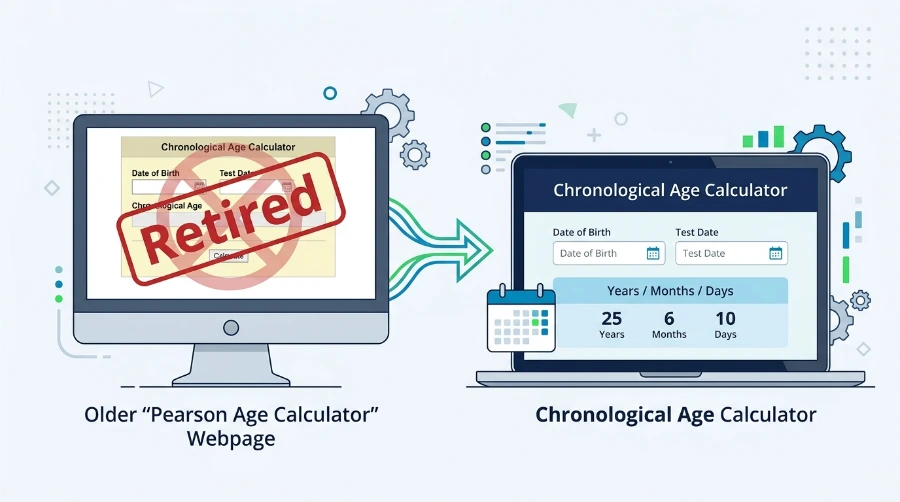
If you have gone looking for the old Pearson age calculator lately, you have probably noticed it is gone. Pearson’s page now says there is no live age calculator on their site, and it simply points you to a general date tool instead. That is fine for a rough duration, but it is not built for how you actually score an assessment. Here is what changed, what you really need, and how to get your chronological age in seconds.
Quick Answer
Pearson has retired its own chronological age calculator, so if you used it for scoring, you now need an alternative. The best replacement gives you the exact age in years, months, and days on the test date, which is what Pearson assessment scoring actually needs. Our free chronological age calculator does exactly that, and it works for Brigance and other tests too.
What Happened to the Pearson Age Calculator?
Pearson removed the chronological age calculator that used to live on their site. Their page now states that they no longer host a live age calculator and directs people to a third-party date tool, with a note that Pearson is not affiliated with it. So there is no official Pearson tool to go back to.
The catch is that a general date-duration tool gives you a span between two dates, but not always in the clean years, months, and days format that a test manual asks for. When you are recording an age for scoring, that format matters.
What You Actually Need for Pearson Assessment Scoring
For Pearson tests, the age that goes on the record is the child’s chronological age on the day of testing, written in years, months, and days. And there are 3 things make or break it which are:
A tool that handles all three gives you a number you can put straight into the manual with confidence.
A Quick Worked Example
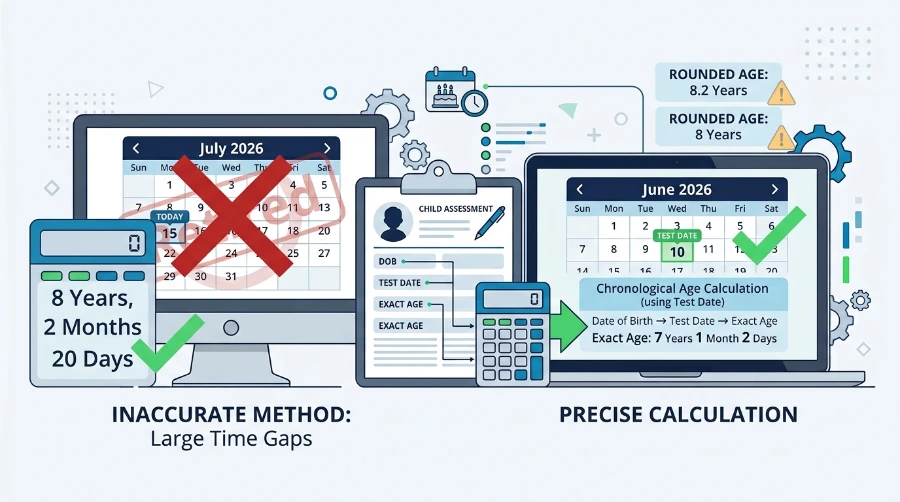
Say a child was born on 14 June 2018 and you tested them on 3 September 2026. Because the test day (3) is smaller than the birth day (14), you borrow a month and add the days from August, then subtract across. The exact chronological age comes out to 8 years, 2 months, 20 days, written 8;2 for the years-and-months your scoring needs.
Round that to “8 years” or “8.2 years” and you have lost the detail the norm table depends on. That single borrowing step is where hand calculations go wrong, and it is exactly the part the calculator does for you.
How to Use This Tool as Your Pearson Age Calculator Alternative
Our chronological age calculator is simple and easy to use, follow these steps below and you can calculate your chronological age without doing manual calculation.
- Enter the child’s date of birth.
- Set the reference date to the actual test date (not today).
- Read off the exact age in years, months, and days, borrowing and leap years already handled.
- Record it in the Years;Months format your manual uses, for example 8;2.
There is no sign-up, it is free, and it runs in your browser, so the birth dates and test dates you enter never leave your device. That last point matters when you are working with student and client information.
How to Write the Age in a Report
Most manuals use the years : months format with a colon, so 8 years and 2 months is written 8;2. Some reports also record the days, as 8 years, 2 months, 20 days. Keep it consistent across the report, and always use the age for the test date so it still lines up if the write-up is finished later. If you are documenting for a file, note the date of birth, the test date, and the calculated age together, so anyone reading it can check the number.
Which Pearson Tests Are Scored by Chronological Age?
Most of the common Pearson and related assessments are age-based, which is why an accurate chronological age matters before you score. A few you will recognise:
| Test | Measures | Age Range |
|---|---|---|
| WPPSI-IV | Cognitive (preschool) | 2:6 – 7:7 |
| WISC-V | Cognitive (children) | 6:0 – 16:11 |
| WIAT-4 | Achievement | 4:0 – 50:11 |
| CELF-5 | Language | 5:0 – 21:11 |
| PPVT-5 | Receptive vocabulary | 2:6 and older |
| Vineland-3 | Adaptive behavior | Birth – 90+ |
How Pearson Alternative Compares To Its Original Age Calculator
| Feature | Old Pearson Tool | Generic Date Tool | This Calculator |
|---|---|---|---|
| Still available | No (retired) | Yes | Yes |
| Exact years, months, days | Yes | Not always | Yes |
| Set a specific test date | Yes | Sometimes | Yes |
| Handles leap years | Yes | Usually | Yes |
| Free, no sign-up | Yes | Yes | Yes |
| Runs privately in your browser | — | Varies | Yes |
For the full list with exact ranges, see our test age ranges chart, which covers the WISC-V, CELF-5, WIAT-4 and more, so you can also check whether a child falls inside a test’s valid band before you administer it.
Does Our Tool Work for Brigance and Other Assessments?
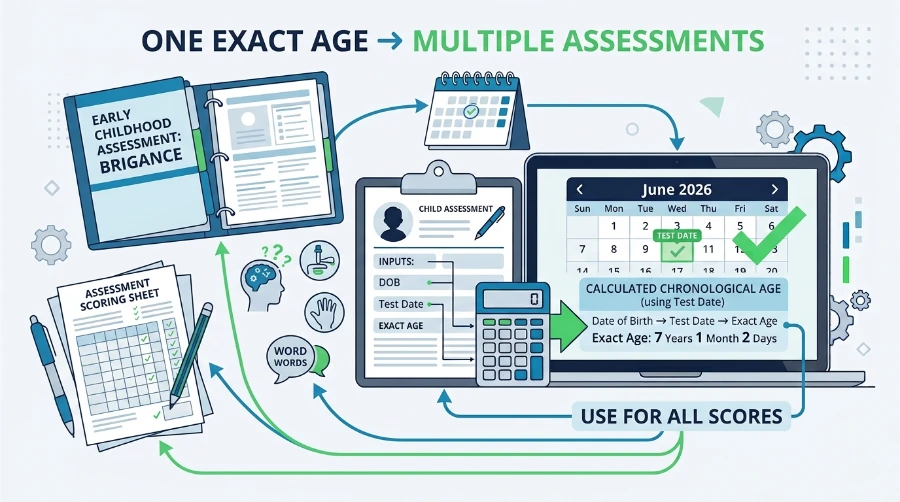
Brigance, published by Curriculum Associates and widely used in early childhood and special education, scores by chronological age just like the Pearson tests do. So does any other age-referenced assessment. The calculator does not care which test you are scoring, it just gives you the correct age in years, months, and days, which you then use with that test’s own manual.
One note for the youngest children: some assessments use a corrected age for infants born prematurely. That is a different calculation from chronological age, and you should follow the specific guidance in your test manual for when and how to apply it. This tool gives you the chronological age; the correction, where a test calls for it, is a separate step.
Switching From the Old Pearson Tool: What to Watch
If you are moving from the Pearson calculator to a new one, the results will match as long as you avoid the usual slips. It also helps to be clear on which date to use as the test date. The three that trip people up most are using today’s date instead of the test date, rounding to a decimal instead of years and months, and borrowing the wrong number of days by hand. You can see the full list in our guide to common chronological age mistakes. Get those right and the number is the same one the old tool gave you.
Frequently Asked Questions
Did Pearson remove its age calculator?
Yes. Pearson no longer hosts a live chronological age calculator on its site. Their page now points to a general third-party date tool instead, so there is no official Pearson calculator to return to.
What is the best Pearson age calculator alternative?
A tool that returns the exact age in years, months, and days for a specific test date, and that handles borrowing and leap years. Our free chronological age calculator does this in seconds, with no sign-up.
Does Q-global calculate the age for you?
When you score an assessment inside Q-global, it works out the chronological age as part of scoring. The separate free calculator, now retired, was the quick tool for checking an age outside the platform, and that is what an alternative replaces.
What age format does Pearson scoring need?
Years, months, and days for the day of testing, usually written as Years;Months, such as 8;2. Norm tables are built around that format, so a rounded decimal does not give the manual what it needs.
Can I use Pearson Alternative Tool for Brigance assessments?
Yes. Brigance and other assessments score by chronological age, so the tool works the same way: enter the date of birth and the test date to get the exact age, then use it with the Brigance manual.
Do I need corrected age for premature infants?
Some assessments use a corrected age for infants born prematurely, which is a separate calculation from chronological age. Follow your test manual’s guidance for when to apply it. This tool provides the chronological age.
Is your Chrono Age Tool Free?
Yes. It is free, needs no sign-up, and runs entirely in your browser, so the birth dates and test dates you enter never leave your device.
How do I calculate chronological age for a Pearson test?
Subtract the child’s date of birth from the test date, then write it in years, months, and days. Borrow a month when the days come out negative and a year when the months do, and count leap years. For example, a child born on 14 June 2018 and tested on 3 September 2026 is 8 years, 2 months, 20 days old, written 8;2. Or just enter both dates into a chronological age calculator and read the exact age instantly.
Final Words
Our free and instant tool gives you an accurate chronological age and an alternative to Pearson Chronological Age Calclatortor to use with your assessment. It is not a substitute for the test manual or your professional judgment. Always confirm the child’s date of birth against official records, and follow the scoring rules in the current manual for the test you are using.